Getting paid
How to Accept Payments Without Fees: 5 Ways for Service Businesses
You can get paid by a client with little or no fee if you pick the payment route before you send the invoice.
Updated · 9 min read
The short answer
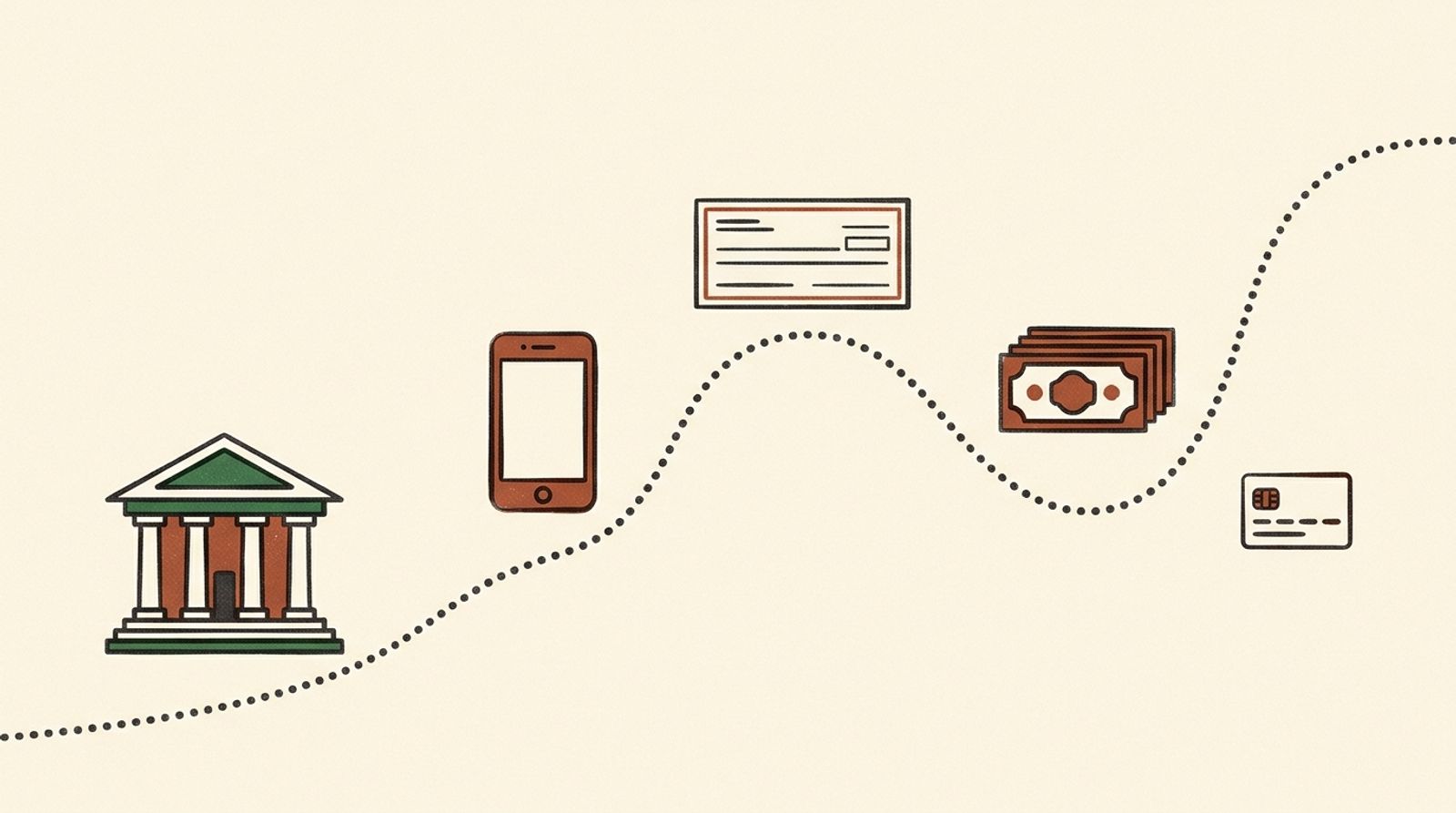
How to accept payments without fees: ask clients to pay by bank transfer, Zelle, check or cash instead of a card. Card payments carry processing fees. Stripe lists 2.9% + 30¢ for US cards, and 0.8% with a $5 cap for bank debits. [1] Zelle says there are typically no fees for consumers, and a business should ask its bank. [2] Every route has a catch, so record every payment.
Before you start
A processing fee is charged by the company that moves a card payment. A bank payment, a check and cash usually cost far less. You choose the route by what you put on the invoice and what you say to the client.
You also need a way to record that you were paid. Whatever the route, write down the date, the amount and which invoice it paid.
This guide is for the United States. It is general information, not tax or legal advice. Ask your accountant about your own case.
Which route fits which client
The cheapest route is the one your client will really use. These are common cases, not rules.
| Client | Route to offer first | Why |
|---|---|---|
| A homeowner paying once | Zelle or a bank transfer; a check if they prefer | Familiar, and no card fee on your side |
| A business that pays on a schedule | Bank transfer (ACH) | Can be paid on the same day each month; keep the reference on the invoice |
| A client who wants to pay by card | A card, with the fee priced in | You lose some of the price; decide before you quote |
| A large job with a deposit | Bank transfer for the deposit and the balance | The fee on a large card payment is large |
Ask the client how they like to pay when you send the estimate, not when the invoice is late.
5 ways to get paid with little or no fee
Start with the cheapest route that your client will really use.
-
Bank transfer (ACH)
A bank transfer moves money from the client's bank account to yours. Stripe lists 0.8% for a bank debit, capped at $5 for each payment. [1] On a $1,000.00 job that is $5.00, because 0.8% would be $8.00.
You can also give the client your bank details and let them send the transfer themselves. That costs you nothing, but check how long it takes at both banks.
Helps avoid paying about 3% on a large invoice
Never skip write the account details exactly, and let nobody change them by email
-
Zelle
Zelle says there are typically no fees for consumers. For a small business, the fee depends on your bank, so ask. [2]
Zelle also says its payments cannot be reversed. [3] Put your exact Zelle email or phone number on the invoice, so the client sends it to the right person.
Helps avoid a payment sent to a wrong or look-alike number
Never skip ask your bank what Zelle costs for a business account
-
Check
A check costs the client a stamp, and you nothing to deposit at most banks. It is slow, and a check can bounce. Wait for the funds before you count the invoice as paid.
Helps avoid marking an invoice paid before the money is in your account
-
Cash
Cash has no fee. It does need a receipt for both sides, and a record you can show later. Cash is still income, and the IRS says income is taxable unless it is excluded by law. [4]
Never skip a receipt with the date, the amount and the invoice number
-
Card, only when the client needs it
Some clients want to pay by card. Then the processing fee is part of the cost of that sale. Stripe lists 2.9% + 30¢ for a US card. [1] Decide before you quote whether the price already covers it.
Passing the fee to the client is called a surcharge, and the rules are strict. Connecticut says a business may not charge a customer a surcharge, but allows a cash discount. [5] Other states and the card networks have limits too, so check before you add one.
Helps avoid a surprise fee on a client's invoice
InvoiceWren lets you show Zelle, bank details or your own payment link on every invoice, and adds no fee on top of any of them.
A worked example
A made-up $1,250.00 invoice, paid four ways. The card line uses Stripe's rate. [1]
| Paid by card: 2.9% = $36.25, plus $0.30 | $36.55 |
|---|---|
| Paid by bank debit: 0.8% = $10.00, capped at | $5.00 |
| Paid by Zelle at a bank with no fee | $0.00 |
| Paid by check | $0.00 |
| You keep, if the client pays by card | $1,213.45 |
$1,250.00 × 0.029 = $36.25; $36.25 + $0.30 = $36.55; $1,250.00 − $36.55 = $1,213.45. $1,250.00 × 0.008 = $10.00, above the $5 cap.
Write the payment details so clients pay correctly
Most payment problems are small mistakes. A wrong digit in an account number, a Zelle email that is not the one you use, or no invoice number on the payment. Fix that on the invoice.
Write your exact Zelle email or phone number, your bank details and the invoice number to use as a reference. The FTC says that once you send money through a payment app it is hard to get back, so double-check who you are paying [8]. Zelle says its payments cannot be reversed [3]. That is why the details on your invoice matter to the person paying as much as to you.
In InvoiceWren, changing the payment details needs a code sent to your email, so nobody can swap them quietly.
A year of card fees against bank payments
A made-up business that sends 40 invoices of $1,250.00. The card rate is Stripe's published US rate and the bank rate is its 0.8% with a $5 cap [1].
| 40 invoices paid by card: $36.55 × 40 | $1,462.00 |
|---|---|
| 40 invoices paid by bank debit: $5.00 × 40 | $200.00 |
| Difference in a year | $1,262.00 |
| The same 40 paid by Zelle at a bank with no fee | $0.00 |
$1,250.00 × 0.029 + $0.30 = $36.55 for one card payment. $36.55 × 40 = $1,462.00. The bank fee is capped at $5 on a payment this size. $1,462.00 − $200.00 = $1,262.00.

When a payment is late or does not arrive
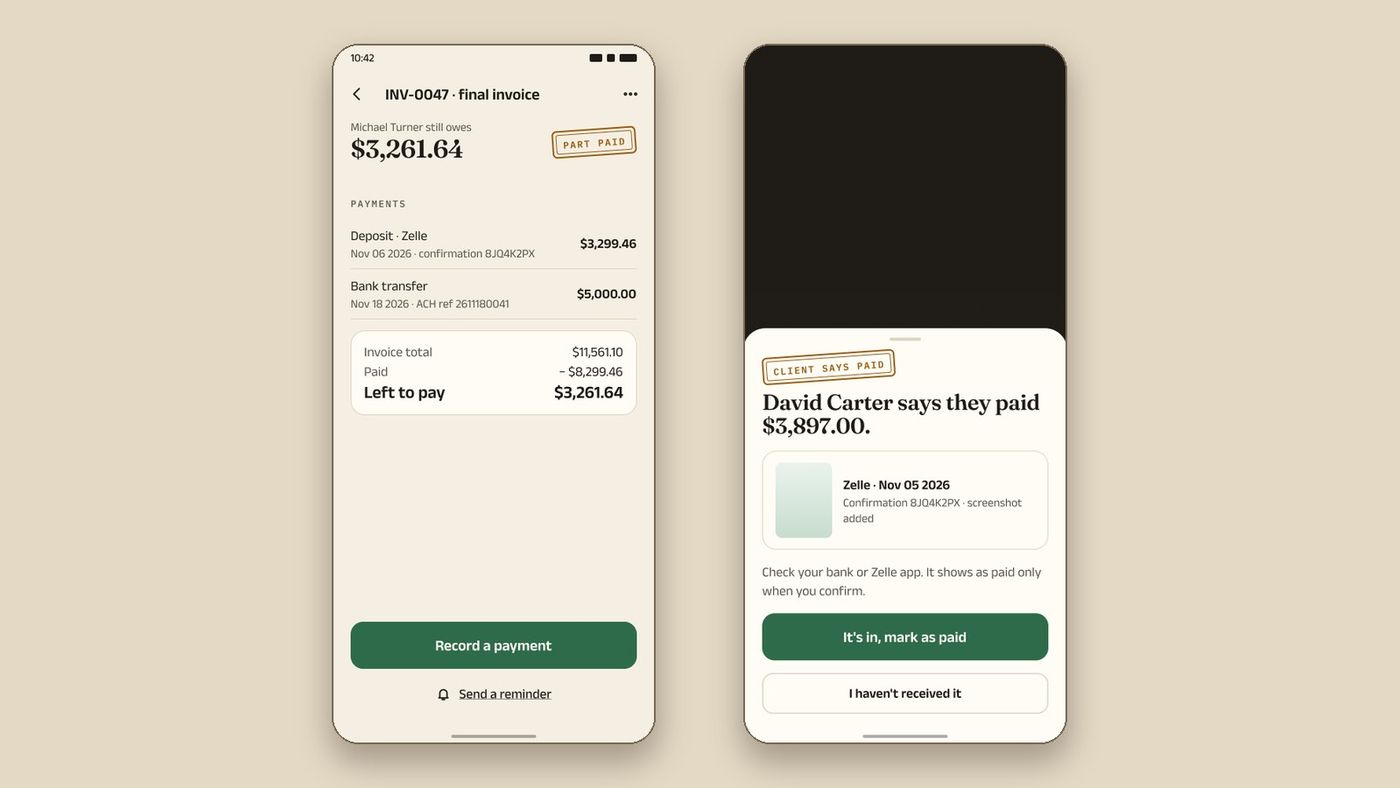
Do not mark an invoice paid because a client says they paid, or because they send a screenshot. Check your own account. A payment is real when the money is in it.
Send a short reminder with the invoice number, the amount and how to pay. In InvoiceWren, reminders go to your client by email for you, you control the schedule, and they stop when you confirm the payment. See getting paid and receipts and deposits and progress invoices, and read a Jobber alternative with no processing fees for the fee rates of the apps.
Records and tax
A payment is income whether it arrives by card, Zelle, check or cash. The IRS says business income shows up as cash, checks and card charges, and that you report income that was not reported to you on a Form 1099. [4]
A payment company reports you on a Form 1099-K only when your gross payments go over $20,000 and you have more than 200 transactions in the year. [6] That is a reporting rule. It does not change what you owe.
Keep each payment next to the invoice it paid, with the date and amount. If you use Zelle or a check, keep the confirmation or a photo of the check.
Rules can change and differ by state. This is not tax advice.
How InvoiceWren keeps the record for you
These features exist in the app today.
- Your payment methods on the invoice Add Zelle, bank details or a payment link once. Each invoice shows them.
- "I've paid", then you confirm The client taps "I've paid". You confirm when the money arrives. A payment is never counted twice.
- Deposits and receipts Take a deposit on an estimate. Each payment gets a receipt, and the final invoice shows what was paid.
- No fee from us Your client pays you directly. If you add your own Stripe link, Stripe's fee still applies.
Before you send the invoice
- I chose the cheapest route my client will really use
- My payment details are written exactly, with no typos
- I asked my bank what Zelle costs for a business
- I know whether my price already covers a card fee
- I have a way to record the date and amount of every payment
Questions
Can you really accept payments with no fees?
Often yes, if the client pays by bank transfer, check, cash or Zelle at a bank that charges nothing. Card payments always carry a processing fee. [1]
What is the cheapest way to accept payments?
A direct bank transfer or a check costs you almost nothing. Stripe's bank debit is 0.8% capped at $5. [1]
Is Zelle free for small businesses?
Zelle says it depends on your financial institution. [2] Ask your bank before you tell clients to use it.
Can I charge clients extra for paying by card?
Sometimes, but not everywhere. Connecticut does not allow a surcharge, though a cash discount is allowed. [5] Check your state and your card agreement first.
Do I have to report money I get by Zelle or cash?
It is still income, and the IRS says income is taxable unless the law excludes it. [4] Keep a record of every payment. Ask your accountant about your case.
Does InvoiceWren charge a fee when my client pays?
No. Your client pays you directly by Zelle, bank transfer or your own payment link. If you add your own Stripe link, Stripe's fee still applies. [7]
How do I ask a client to pay by bank transfer instead of card?
Put the bank or Zelle details first on the invoice and say it is the preferred way. Many clients agree when it is easy. Do not take away the card route if a client really needs it; price it in instead.
Is a bank transfer safe for the client?
It is as safe as the details are right. Write your details exactly and tell clients to check them against the invoice. Zelle and many transfers cannot be reversed, so a mistake is hard to undo.
Related pages
Keep reading
 Getting paid · 6 min readHow to bill a job in stages: deposit, progress and final invoicesRead it →
 Comparing apps · 8 min readAre There Better Alternatives to Joist and Invoice Simple?Read it →
 Choosing an app · 8 min readWhat is the best estimate and invoice app for contractors? How to choose from your phoneRead it →
Put your payment details on every invoice
Add Zelle, bank details or your own link once. Every invoice shows them, with no fee from us.
Get started freeSources
- Stripe pricing (United States). Checked .
- Zelle: small business FAQ. Checked .
- Zelle: FAQ. Checked .
- IRS: Publication 334, Tax Guide for Small Business. Checked .
- Connecticut DCP: Credit card surcharge. Checked .
- IRS: About Form 1099-K. Checked .
- InvoiceWren pricing. Checked .
- FTC: Mobile payment apps and how to avoid a scam. Checked .
Prices and features change. We check these pages before each update. If something here is out of date, tell us at hello@invoicewren.com and we will fix it.