Comparing apps
Jobber Alternative With No Processing Fees: What Is Really Possible
If you are asking for a Jobber alternative with no processing fees, the honest answer has two parts: what an app can leave out, and what only the way your client pays can remove.
Updated · 8 min read
The short answer
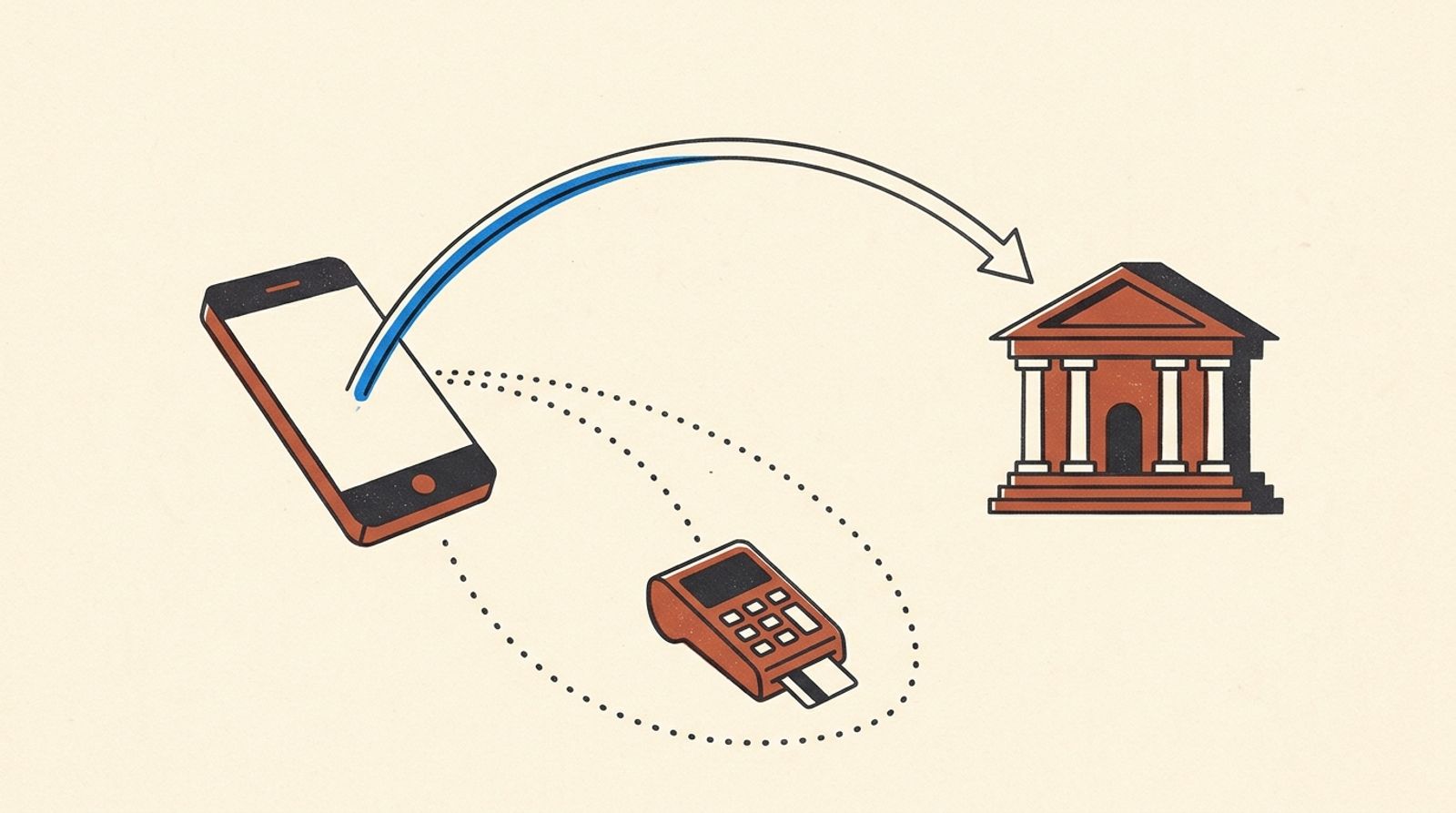
A Jobber alternative with no processing fees exists in one sense: InvoiceWren adds no fee of its own, because your client pays you directly by Zelle, bank transfer or your own payment link. [1] A card payment still costs someone. Jobber lists 2.9% + 30¢ on cards and 1% on bank payments. [2] A bank transfer is the cheapest route in any app.
What a processing fee is, and who charges it
A processing fee is what the company that moves a card payment charges for moving it. Jobber says it charges 2.9% + 30¢ on cards paid online, 2.7% + 30¢ for Tap to Pay on your phone and 1% for bank (ACH) payments. [2] Instant payouts cost 1% more. [2]
Jobber's help page says the bank-payment fee is taken out of the payment total, and that bank payments are available on all plans. [3] Bank payments typically take about 4 business days to reach your bank, and they have transaction, daily and monthly limits. [3] The monthly price of the plan is a separate charge.
So "no processing fees" can mean two different things. An app can add no fee of its own on top of the payment company's fee. Or a payment can use a route that has no card fee at all, such as Zelle or a check. Be sure which one a company means.
We do not say any other company takes a hidden cut. Every rate in this guide is one a company publishes on its own page, read on Nov 14 2026.
A year of fees, three ways
A made-up business with 40 invoices of $1,000.00 a year, using the rates in the table below.
| All 40 paid by card through Jobber: $29.30 × 40 | $1,172.00 |
|---|---|
| All 40 paid by bank (ACH) through Jobber: $10.00 × 40 | $400.00 |
| All 40 paid by bank debit through Stripe, $5.00 cap × 40 | $200.00 |
| Difference, card against bank through Jobber | $772.00 |
$29.30 × 40 = $1,172.00. $10.00 × 40 = $400.00. $1,172.00 − $400.00 = $772.00. The plan price is not included. [2][5]
What each way of getting paid costs on a $1,000 invoice
| Way to pay | Rate on the company's page | Fee on $1,000.00 |
|---|---|---|
| Card through Jobber | 2.9% + 30¢ [2] | $29.30 |
| Bank (ACH) through Jobber | 1% [2] | $10.00 |
| Card through Joist | up to 3.49% + 49¢ [4] | up to $35.39 |
| Bank (ACH) through Joist | 1%, capped at $15 [4] | $10.00 |
| Bank (ACH) through Stripe | 0.8%, capped at $5 [5] | $5.00 |
| Zelle | Depends on your bank [6] | Often $0; check yours |
| InvoiceWren itself | No fee on payments [1] | $0 from us |
Fee = rate × amount, plus any fixed part. $1,000 × 2.9% = $29.00, plus $0.30 = $29.30. $1,000 × 1% = $10.00. $1,000 × 0.8% = $8.00, which is above the $5 cap, so $5.00. Stripe's cap is reached above $625.
How InvoiceWren handles payments
InvoiceWren does not process card payments. You add the way you want to be paid: Zelle, a bank transfer, or a link to your own payment account. [1] Your client pays you directly, so there is no payment fee from us on Free or on Pro. [1]
Pro lets you add your own Stripe payment link. [1] If you do, Stripe's own fee applies to a card payment, and we take nothing on top. That is a real cost, so we are plain about it.
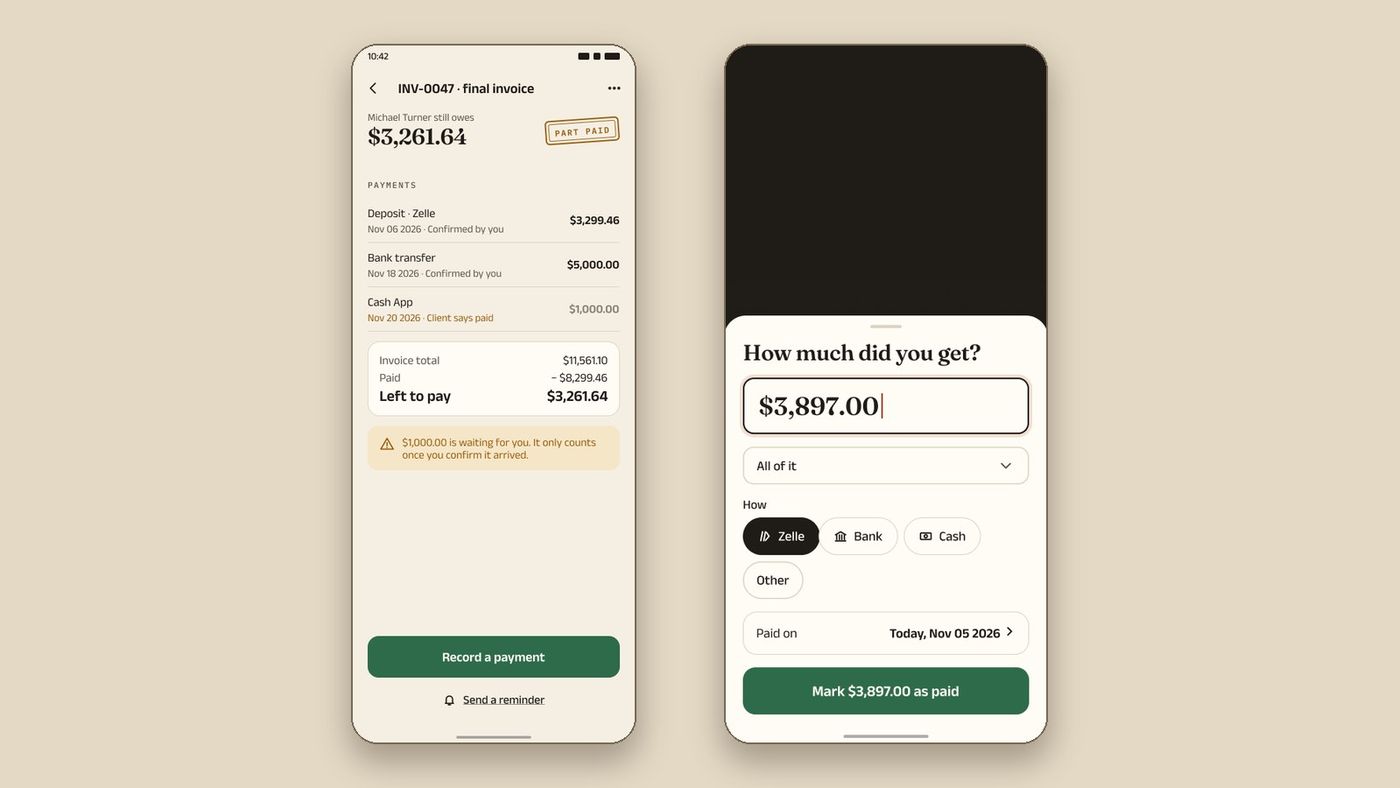
The app never marks an invoice paid from a click or a redirect. Your client taps "I've paid" and you confirm it. That keeps your balance true, and a payment is never counted twice.
Zelle: free at many banks, but read this first
Zelle says there are typically no fees for consumers. For a small business it says the fee depends on your bank, so ask your bank. [6]
Zelle also says its payments cannot be reversed. [6] The FTC says that once you send money through a payment app, it is hard to get it back. [7] Double-check who you are paying. That matters most to the person paying. Give clients your exact Zelle email or phone number, written on the invoice, so nobody pays the wrong person.
Money you get through Zelle is still income. Keep a record of each payment next to the invoice. See getting paid and receipts, the pricing and the guide to accepting payments without fees.
This is general information, not tax or legal advice.
What Jobber does that InvoiceWren does not
Be clear about the trade. Jobber is a full field-service app. It books and schedules jobs, has Tap to Pay on your phone, collects card payments inside the app and lists plans for teams. [2] InvoiceWren does none of the scheduling and does not take card payments itself.
InvoiceWren is built for the paperwork around a job: the estimate your client signs, the change orders they approve, progress invoices, and a final balance that adds up line by line. If your main cost is the card fee, a bank transfer or Zelle in any app saves more than switching apps does.
Why a no-fee setup works in InvoiceWren
These all exist in the app today.
- Your payment methods on every invoice Show Zelle, bank details or your own link on each invoice. Changing the details needs a code sent to your email, so nobody can swap them quietly.
- "I've paid", then you confirm Your client taps "I've paid". You check your account and confirm. The invoice is never marked paid by a click alone.
- Deposits and progress invoices Ask for a deposit on an estimate and bill in stages. Each payment is listed against the invoice.
- Reminders that stop when they pay InvoiceWren emails your client about a late invoice for you and stops when you confirm the payment.
How to move clients from card to bank
The fee falls when the route changes, not when the app does. Do it gently.
-
Put the cheaper route first
On the invoice, list the bank or Zelle details first and the card option second. Say which one you prefer and, if you like, why: "Bank transfer helps me keep my prices down."
-
Ask at the estimate, not at the invoice
When the client signs the estimate, ask how they like to pay. A client who has chosen a route at the start will not argue at the end.
-
Make the first payment easy
Ask for the deposit by bank or Zelle. The first payment sets the habit for the rest.
-
Keep the card route for clients who need it
Some clients cannot or will not use a transfer. Price in the card fee for them rather than losing the job.

Before you choose
- I know what share of my payments come by card
- I asked my bank what Zelle costs for a business
- I wrote my payment details on every invoice, spelled exactly
- I know a bank payment is cheaper than a card payment in every app I looked at
- I know which scheduling tools I would lose if I left Jobber
Questions
Is there a Jobber alternative with no processing fees?
InvoiceWren adds no fee of its own to payments, because your client pays you directly. [1] A card payment still has a cost from the card company, so the cheapest routes are bank transfer and Zelle.
Does Jobber charge processing fees?
Yes. Jobber lists 2.9% + 30¢ on cards, 2.7% + 30¢ for Tap to Pay and 1% for bank payments. [2]
Does Jobber take a cut of my payments?
We did not find a page that says so. What Jobber states is a processing fee, taken out of the payment. [3] Plans are charged separately.
What is the cheapest way to get paid by a client?
A bank transfer or Zelle, where your bank charges nothing. Bank (ACH) payments through Jobber cost 1%, and through Stripe 0.8% with a $5 cap. [2][5]
Can I use my own Stripe link in InvoiceWren?
Yes, on Pro. [1] Stripe's own card fee still applies, and InvoiceWren adds nothing.
Is Zelle safe for getting paid?
Zelle says its payments cannot be reversed, so the payer must be careful about whom they send money to. [6] Put your exact details on your invoice. This is not financial advice.
Will my clients accept a bank transfer?
Many will if it is easy and written clearly on the invoice. Ask when you send the estimate. Keep a card route for the few who need it.
Does InvoiceWren hold my money?
No. Your client pays you directly, to your own account. InvoiceWren records the payment after you confirm it.
Related pages
Keep reading



Get paid directly, with no fee from us
Add Zelle, your bank details or your own link, and send your first estimate or invoice free.
Get started freeSources
- InvoiceWren pricing. Checked .
- Jobber pricing page. Checked .
- Jobber help: Bank Payments (ACH). Checked .
- Joist support: transaction fee for Joist Payments. Checked .
- Stripe pricing (United States). Checked .
- Zelle: small business FAQ. Checked .
- FTC: mobile payment apps and scams. Checked .
Prices and features change. We check these pages before each update. If something here is out of date, tell us at hello@invoicewren.com and we will fix it.