Comparing apps
Are There Better Alternatives to Joist and Invoice Simple?
Joist and Invoice Simple are both popular invoicing apps, and this guide shows what each lists, then where InvoiceWren is a different choice.
Updated · 8 min read
The short answer
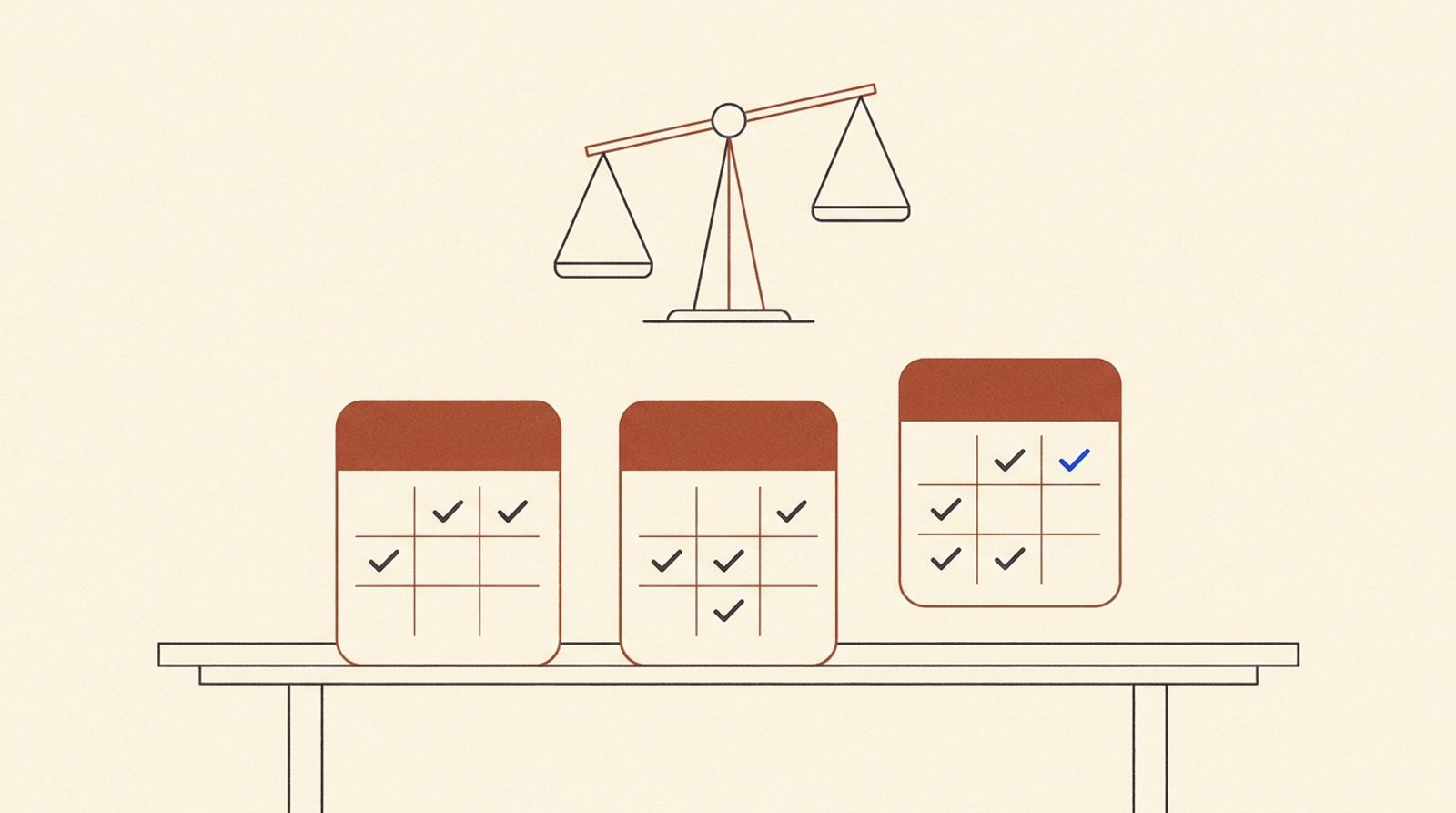
Alternatives to Joist and Invoice Simple depend on what you need. Both apps charge from about $7 to $12 a month and cap the cheapest plan: Joist Basics at 5 documents a month, Invoice Simple Essentials at 3 invoices a month. [1][2] Joist lists change orders on Elite. [1] InvoiceWren has a free plan and puts change orders and e-signatures in every job. [3]
Who this is for
You send estimates and invoices for service work, you are paying for or trying one of these two apps, and you want to know whether something fits better. We name each company's strengths, because they have real ones.
Every fact below is from the company's own page, read on Nov 14 2026. If a page did not say, we write "not listed". That is not the same as "not offered".
Three owners, three different answers
The right app depends on how you work, so here are three made-up owners. The prices and limits are the ones on each company's page on Nov 14 2026 [1][2][3].
A painter who sends 3 invoices and 2 estimates a month. That is 5 documents. Joist Basics lists up to 5 documents a month [1] and Invoice Simple Essentials lists up to 3 invoices a month [2], so the painter is at the limit of both. InvoiceWren Free covers 5 invoices and 5 estimates a month [3], so nothing is needed beyond the free plan until the work grows.
A remodeler who sends 12 documents in a busy month and changes the price on most jobs. The cheapest plan that lists unlimited invoices is Joist Pro at $17 a month ($204.00 a year) or Invoice Simple Premium at $21.99 a month ($263.88 a year) [1][2]. Joist lists change orders on Elite at $32 a month [1]. InvoiceWren Pro is $12.97 a month ($155.64 a year on monthly billing, or $127 a year) and has change orders [3].
A plumber who takes card payments inside the app all day. For this owner, Invoice Simple and Joist have a real advantage: both list card payments in the app [4][5]. InvoiceWren does not process cards, so it is the wrong tool unless the plumber is willing to be paid by Zelle, bank transfer or a link to their own account. Read the details in our guides on Joist and Invoice Simple, and see InvoiceWren's pricing, estimates and change orders.

Joist, Invoice Simple and InvoiceWren side by side
| Feature | Joist | Invoice Simple | InvoiceWren |
|---|---|---|---|
| Free plan | No; 14-day trial [1] | No permanent free plan listed [2] | Yes: 5 invoices and 5 estimates a month [3] |
| Cheapest paid plan | Basics, up to 5 documents a month; $8.34 to $12 shown [1] | Essentials, $6.99, up to 3 invoices a month [2] | Pro, $12.97 a month, unlimited [3] |
| Unlimited invoices | Pro, $17 a month [1] | Premium, $21.99 a month [2] | Pro, $12.97 a month or $127 a year [3] |
| Client signs an estimate | "In app digital signatures"; plan not stated [1] | Premium (client signatures) [2] | Every plan [3] |
| Deposits | Not listed per plan [1] | Premium [2] | Every plan [3] |
| Change orders | Elite, $32 a month [1] | Not listed [2][4] | Pro; free on your first job [3] |
| Due-date reminders | Not listed [1] | Plus and up [2] | Pro; free on your first job [3] |
| Card payments in the app | Yes; up to 3.49% + 49¢ [5] | Yes: cards, ACH, PayPal, Venmo [4] | No; Zelle, bank transfer or your own link [3] |
| Expense tracking and reports | Reports on Elite [1] | Yes [4] | No [3] |
"Not listed" means the pages we read do not say. It does not mean the app lacks it.
Where Joist and Invoice Simple are stronger
Invoice Simple lists card, ACH, PayPal and Venmo payments, expense tracking with receipt scanning, reports and more than 60 templates. [4] If you want to take payments inside the app and track what you spend, that is a real advantage.
Joist lists payments built in, and a top plan, Run, that adds job organization and visit scheduling. [1] If you want your estimates and a simple schedule in one app, it covers more than InvoiceWren does.
InvoiceWren has no expense tracking, no reports and no scheduling, and it does not process card payments. We would rather say so than have you find out later.
Where InvoiceWren is different
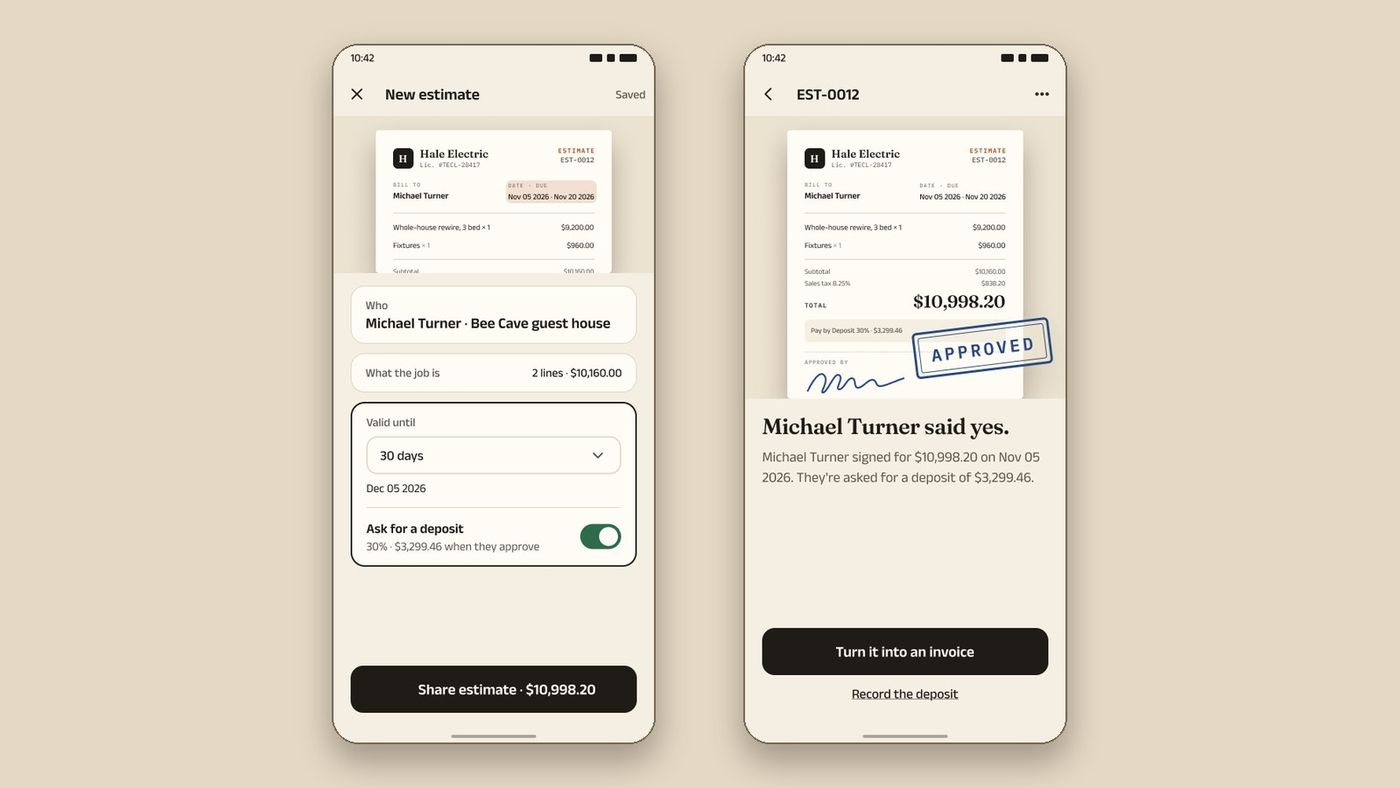
InvoiceWren is built around one job from the first estimate to the final payment. A job holds every estimate, change order, invoice and payment. The balance is explained line by line, a pending change is never counted as approved, and a payment is never counted twice.
Your client can sign an estimate on any plan, and deposits are on any plan. [3] Change orders and progress invoices are on Pro, and free on your first job. [3] We never take a fee on payments. Your client pays you directly. [3]
How to test two apps in an afternoon
Do this with one real job in each app, so you compare what you will really use.
-
Pick one real job
Choose a job you did last month, with a change after the estimate and a deposit. A job with no surprises will not show you the differences.
-
Write the estimate in each app
Time yourself. Note how many taps it takes to add a line, a photo and a deposit. Send it to your own phone and open it as your client would.
-
Add a change and a payment
Make a change to the price and record a payment. Look at the balance: can you explain it line by line in one sentence?
Never skip judging an app by its first screen
-
Add up the real bill
Use last month's documents and payments. Add the plan price and the card fees you would pay. The plan with the lower price is not always the lower bill.
What switching costs you
Moving is a small job if you plan it. Export your client list from the app you leave and keep copies of open estimates and unpaid invoices. Tell clients where to pay before the first invoice goes out from the new app. You can import your clients and items from a CSV or Excel file: the file is read on your device, every row is checked before anything is saved, and you can undo the import.
The cost people forget is habit. Give yourself one week with both open, finish the jobs that are already in progress in the old app, and start every new job in the new one.
What unlimited invoices cost a month
The cheapest plan on each page that lists unlimited invoices.
How to decide in ten minutes
- I counted the invoices and estimates I sent last month
- I know whether I need card payments inside the app
- I know whether my jobs change after the estimate is signed
- I checked the price of the plan that has the features I need
- I tested one real estimate in my top two choices
Questions
What is the best alternative to Joist?
It depends on what you need. For a free plan with signed estimates and change orders on your first job, try InvoiceWren. [3] For card payments inside the app, Joist and Invoice Simple both list them. [4][5]
What is the best alternative to Invoice Simple?
If your jobs change after the estimate, look for an app with change orders. [3] Invoice Simple's pages that we read do not list them. [2][4]
Which is cheaper, Joist or Invoice Simple?
Invoice Simple's cheapest plan is $6.99 but allows 3 invoices a month. [2] Joist's Basics allows 5 documents a month. [1] For unlimited, Joist Pro is $17 and Invoice Simple Premium is $21.99. [1][2]
Does InvoiceWren have a free plan?
Yes. It sends 5 invoices and 5 estimates a month, for good, and your first job has every Pro feature. [3]
Does InvoiceWren have a phone app?
The web app works on a phone today. The iPhone and Android apps are being tested now and will be available before the end of 2026.
Can I use Joist or Invoice Simple and InvoiceWren together?
Yes. Some owners keep an old app for open jobs and start new jobs in the new one. Keep one place per job so a client never gets two invoices.
Which of the three is best for a very small business?
It depends on volume and payments. If you send five documents a month or fewer and are happy to be paid by Zelle or transfer, InvoiceWren Free is enough. If you need cards in the app, look at the other two.
Do the prices on this page change?
Yes. Every price here comes from each company's page on Nov 14 2026. Check the live page before you decide.
Related pages
Keep reading
See how a whole job fits together
Start free and send your first estimate, then add a change order when the job changes.
Get started freeSources
- Joist pricing page. Checked .
- Invoice Simple pricing plans. Checked .
- InvoiceWren pricing. Checked .
- Invoice Simple features. Checked .
- Joist support: transaction fee for Joist Payments. Checked .
Prices and features change. We check these pages before each update. If something here is out of date, tell us at hello@invoicewren.com and we will fix it.