Payments and fees
PayPal invoice fees vs Venmo and Cash App: what each costs on a real invoice
PayPal invoice fees depend on how your client pays, and moving the money out can cost extra.
Updated · 8 min read

The short answer
PayPal invoice fees on a $500.00 invoice are $17.94 for PayPal Checkout or Pay with Venmo (3.49% + 0.49 USD), $15.44 for a standard card and $5.00 by bank payment. Venmo's business profile lists 1.9% + $0.10, which is $9.60. Cash App Business lists 2.6% + $0.15, which is $13.15. Rates are from each company's own page on Nov 16 2026.
Before you start: which account you are using
The fee you pay depends on the account first and the payment type second. A business account, a Venmo business profile and a personal account have different rules. Using the wrong one can cost more than any fee, because a personal account may not be allowed for business at all.
This guide uses each company's own pages, read on Nov 16 2026. PayPal's main fee page blocked our tools, so we read its fee table at another PayPal address [1]. Cash App's pages are cited as [7][8][9]. Rates change, so check each page before you send an invoice.
What each service lists
US dollars. "Fixed fee" means an amount added to every payment, and PayPal lists it as 0.49 USD [1].
| Service and payment type | Rate on its page | Fee on $500.00 |
|---|---|---|
| PayPal Checkout, Pay with Venmo or guest checkout | 3.49% + fixed fee [1] | $17.94 |
| PayPal standard card, Apple Pay and other wallets | 2.99% + fixed fee [1] | $15.44 |
| PayPal Pay by Bank (ACH) | 1%, capped at $10.00 [1] | $5.00 |
| Venmo business profile, direct and QR code payments | 1.9% + $0.10 [2] | $9.60 |
| Cash App Business, standard payment (profile, QR code or link) | 2.6% + $0.15 [7] | $13.15 |
| Cash App Business, Tap to Pay in person | 3% [7] | $15.00 |
PayPal business fees page ("Last Updated: Nov 04 2026"), the Venmo business profile page and Cash App's business fees help page, read Nov 16 2026. A second Venmo help page agrees on 1.9% + $0.10 but gives a different Tap to Pay rate, so we left Tap to Pay out.
A $500 invoice, step by step
Made-up invoice for $500.00. Every figure comes from the rates above and was added up by a script.
| Invoice total | $500.00 |
|---|---|
| PayPal card fee (2.99% + 0.49) | $15.44 |
| You keep, before any transfer | $484.56 |
| Instant transfer to a bank (1.50% of what you moved) | $7.27 |
| You keep after an instant transfer | $477.29 |
| Standard transfer fee | $0.00 (no currency conversion) |
| Venmo business fee (1.9% + $0.10) | $9.60 |
| You keep (Venmo business) | $490.40 |
| Cash App Business fee (2.6% + $0.15) | $13.15 |
| You keep (Cash App Business) | $486.85 |
| Cash App instant deposit of what you keep (0.5% to 2.5%) | $2.43 to $12.17 |
PayPal says a standard transfer has "no fee" when no currency conversion is involved [1]. The instant transfer fee is 1.50% with a minimum of 0.50 USD [1]. Cash App shows its instant deposit rate, from 0.5% to 2.5%, before you confirm [8].

Why the bigger the job, the more it matters
Percentages feel small on a small invoice and large on a big one. On a $8,000.00 job, a PayPal card payment costs $239.69, and a bank payment costs $10.00 because the bank fee stops at $10.00 [1]. The difference is $229.69.
Ten $500.00 invoices a month make the same point. Ten PayPal card payments cost $154.40. Ten Venmo business payments at 1.9% + $0.10 cost $96.00 [2], and ten Cash App Business payments at 2.6% + $0.15 cost $131.50 [7]. The gap between the highest and the lowest is $58.40 a month.
How to find your real cost in ten minutes
Do this once, with last month's payments.
-
Check your account type
Open the account and see if it is a business account or profile. Venmo's terms say personal accounts "may not be used to conduct business, commercial or merchant transactions with other personal accounts" [3]. Cash App says payments for goods or services must go to a Cash App Business account [9].
Never skip using a business profile, not a personal account, for work
-
Match each payment to a rate
Write down how the client paid. Use the table above.
-
Add the transfer fee
If you move money out the same day, add the instant fee. A standard transfer is the cheaper choice if you can wait.
-
Add the year
Multiply the average monthly fees by 12 and compare to your profit. If fees are a few percent of every job, price them in.
Cash App: business account, fees and cash out
Cash App says its personal accounts are for sending money between people, and that payments for goods or services must go to a Cash App Business account. Using a personal account to collect work payments can lead to restrictions or frozen funds [9].
The fee is 2.6% + $0.15 on a standard payment received, and 3% on a Tap to Pay payment in person [7]. The standard rate applies the same way whether your client pays through your $Cashtag, a QR code or a payment link, so pasting your Cash App link on an invoice made somewhere else makes it a link payment at that rate [7].
Cashing out has two speeds. A standard deposit is free and usually arrives in your bank in 1 to 3 business days. An instant deposit costs 0.5% to 2.5%, with a minimum between $0.25 and $1.00 and a maximum of $75, and Cash App shows the exact amount before you confirm [8]. We did not read whether Cash App has a tool of its own for sending invoices, so check that before you rely on it.
Rules by place: the United States
IRS rules differ from fee rules. The IRS says a third party settlement organization reports to it when a payee passes $20,000 and more than 200 transactions [4]. You report your business income whatever the app does. For the FTC's advice, "double-check the recipient's information to make sure you're sending money to the right person" [5]. This is not tax advice; ask a tax professional about your own case.
| Question | What we found |
|---|---|
| Can I use a personal Cash App for work? | Cash App says business payments must go to a Cash App Business account [9] |
| Can I use a personal Venmo for work? | Its terms say personal accounts may not be used for business with other personal accounts [3] |
| Is a standard PayPal transfer free? | "No Fee" without currency conversion [1] |
| Do I report this income? | Yes, your business income, whatever the app sends to the IRS [4] |
How InvoiceWren fits
InvoiceWren does not take a fee on your client payments [6].
- Your link, your account You paste the payment link or handle of your own account. The fee, if any, is whatever that account charges. See payments.
- You confirm Your client taps "I've paid" and you confirm it, so a payment is never counted twice.
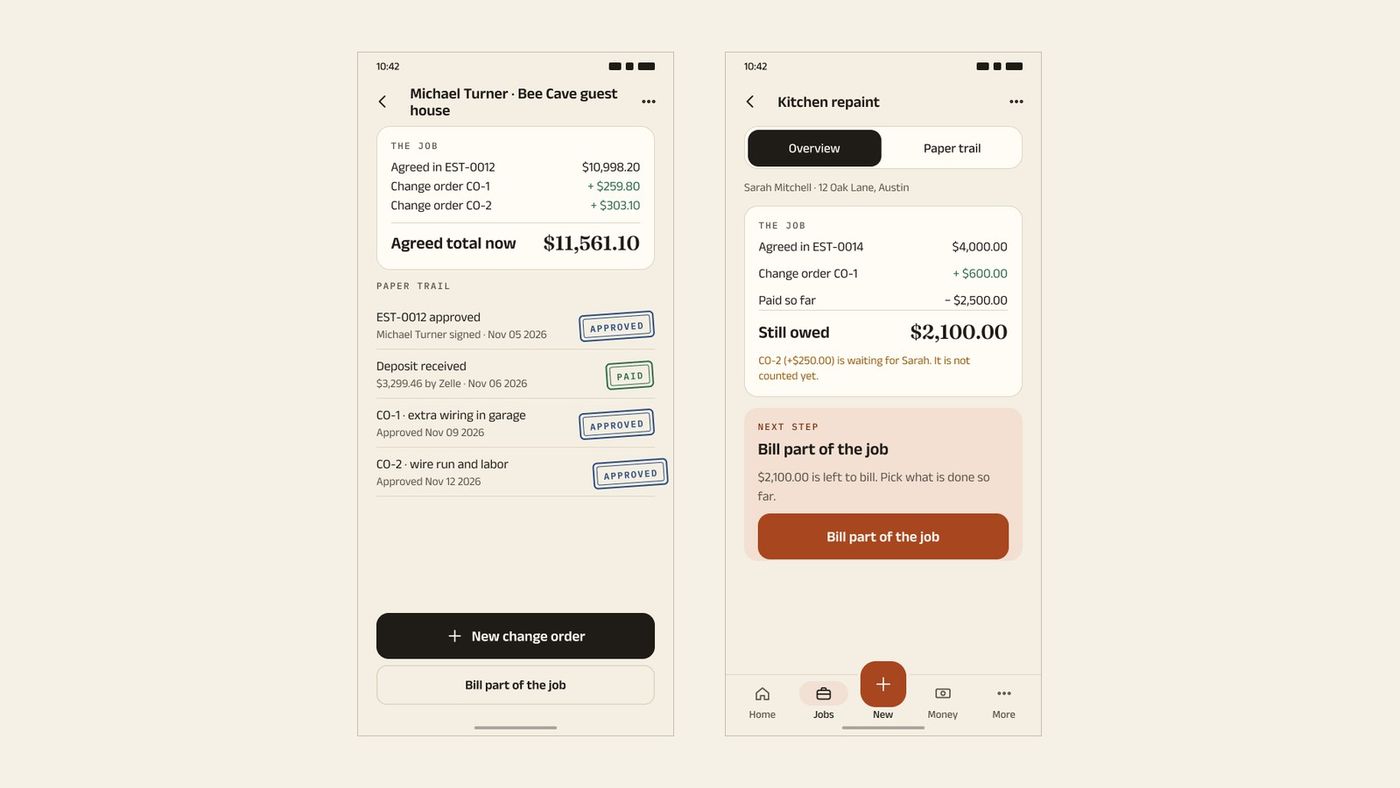
- The whole balance A deposit, a change order and a final payment sit on one job. See pricing.
Before you send the next invoice
- I use a business account or profile, not a personal one.
- I know the rate for how my client will pay.
- I checked the transfer fee.
- I read the Cash App terms myself, if I use it.
- I keep a record of every payment and fee.
- I priced the fees into my quote.
Questions
What are PayPal invoice fees?
PayPal lists 3.49% + 0.49 USD for PayPal Checkout and Pay with Venmo, 2.99% + 0.49 USD for a standard card, and 1% capped at $10.00 for a bank payment [1]. On a $500.00 invoice that is $17.94, $15.44 and $5.00.
How much does Venmo charge a business?
Venmo says a business profile pays 1.9% + $0.10 on direct and QR code payments [2]. A $500.00 payment costs $9.60.
Can I use a personal Venmo for business?
Venmo's user agreement says personal accounts may not be used for business transactions with other personal accounts, and that you can receive payment for goods and services by using a business profile or asking the sender to mark it that way [3]. Read the current terms before you do.
What does Cash App charge a business?
Cash App lists 2.6% + $0.15 on a standard payment received into a Cash App Business account and 3% on Tap to Pay [7]. On a $500.00 payment the standard fee is $13.15.
What does Cash App charge to cash out?
A standard deposit is free and usually takes 1 to 3 business days. An instant deposit costs 0.5% to 2.5%, with a minimum of $0.25 to $1.00 and a maximum of $75, and the exact amount is shown before you confirm [8].
Can I use a personal Cash App for business?
Cash App says payments for goods or services must go to a Cash App Business account, and that using a personal account for them can lead to restrictions or frozen funds [9]. Read the current terms before you do.
Is a PayPal standard transfer free?
PayPal lists a standard transfer as "No Fee" when no currency conversion is involved [1]. An instant transfer is 1.50% of the amount, with a minimum of 0.50 USD.
Which is cheapest for a $500 invoice?
By the rates we could read, a PayPal bank payment is $5.00, Venmo business is $9.60 and Cash App Business is $13.15, against $15.44 for a PayPal card [1][2][7]. Your client has to choose that method.
Do I report PayPal and Venmo income?
Yes, you report your business income whatever the app does. The IRS says a payment network reports to it when a payee passes $20,000 and more than 200 transactions [4]. Ask a tax professional about your case.
How do I make sure my client pays the right account?
Share your handle or link clearly and ask them to check it. The FTC says to "double-check the recipient's information" before sending money [5].
Is there an invoicing app with no fee on my client payments?
InvoiceWren takes no fee on your client payments [6], because they go to your own account. Your account may have its own fees. See how to accept payments without fees.
Related pages
Keep reading
 Payments and fees · 8 min readSquare invoice fees: what do you actually pay on a $500 job?Read it →
 Comparing apps · 8 min readAre There Better Alternatives to Joist and Invoice Simple?Read it →
 Choosing an app · 8 min readWhat is the best estimate and invoice app for contractors? How to choose from your phoneRead it →
Keep the balance explained, whatever you use to be paid
Record each payment on the job and confirm it, so nothing is counted twice.
Get started freeSources
- PayPal business fees. Checked .
- Venmo business profiles. Checked .
- Venmo user agreement. Checked .
- IRS: Instructions for Form 1099-K. Checked .
- FTC: Mobile Payment Apps: How To Avoid a Scam When You Use One. Checked .
- InvoiceWren pricing. Checked .
- Cash App: Cash App for Business fees. Checked .
- Cash App: Cash out speed options. Checked .
- Cash App: Cash for Business payment terms. Checked .
Prices and features change. We check these pages before each update. If something here is out of date, tell us at hello@invoicewren.com and we will fix it.